1. Prepare the squad information
Record your team, opposition, date, kick-off time and venue. Gather the names to be published and use consistent spelling. If you include photos, check that they match this squad and that you can use them.
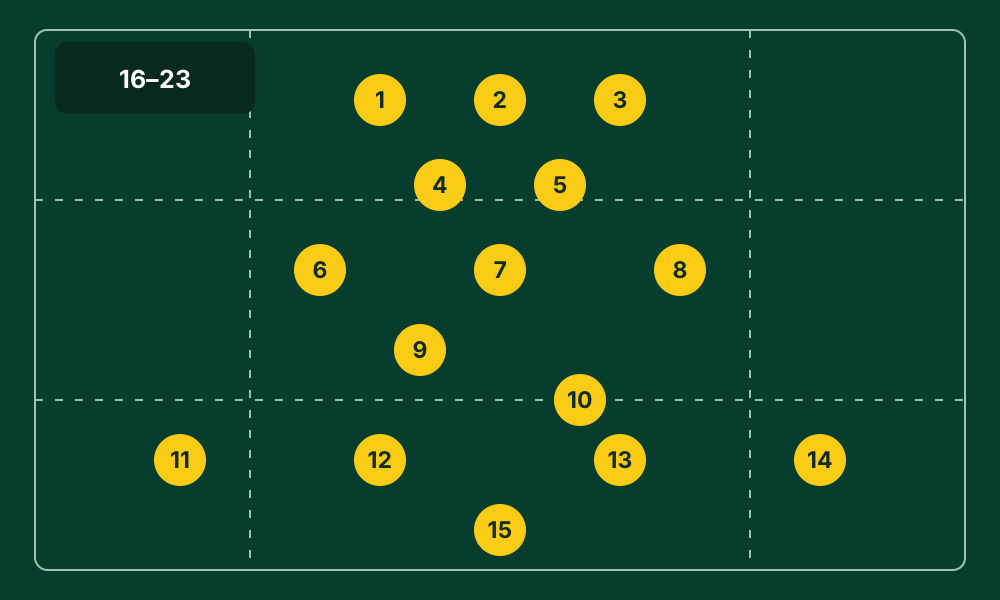
The downloadable worksheet provides rows 1–15 for starters and 16–23 for replacements. It illustrates rugby XV with up to eight replacements; it is not a universal competition rule. Adjust the squad size to your format and the rules that apply.
2. Confirm the squad before designing the graphic
Agree starters, replacements, shirt numbers and captain with the coaching staff first. Then arrange the graphic. If the squad changes, correct the source information before updating the image to avoid conflicting versions.
In Lineup Builder, choose the rugby template and place the players in the visual editor. Add the badge and club colours once the layout is checked. Animation and video are optional additions to this workflow.
3. Design for the place where it will be shared
Vertical posts and horizontal graphics leave different amounts of space for names and sponsors. Choose the output format and check the preview with the longest player names in your squad.
Give priority to the team name, opposition and players. Keep text readable against the background, and reserve a sponsor area that does not cover the lineup.
4. Review the final version with another person
Before exporting, ask another staff member to check names, numbers, captain, replacements and match details. Open the exported image and make sure the edges do not crop text or badges.
Publish the confirmed version and keep a reference to the squad used. A clear graphic starts with correct information rather than extra effects. This guide and its CSV are public; the app has its own account and subscription terms.